QR Code Scams: How to Spot Quishing and Protect Yourself
November 13, 2026
A sticker on a parking meter, a “ticket” tucked under your windshield wiper, a menu to scan at your table, a note in your mailbox about a missed delivery. They’re all QR codes, which is exactly why they’ve become such a handy tool for scammers: you can’t read the address a QR code points to, and most of us scan them almost without thinking. In this guide we look at how to spot QR code scams, also known as quishing, in the most common situations (parking, fake tickets, restaurants and parcels) and what to do right away if you’ve already paid or entered your details.
What is quishing and why does it work so well?
Quishing is phishing carried out with a QR code. Instead of a link in a text message or an email, the scammer gets you to scan a code that opens a fake page: a payment form, a bank login screen, a site that asks for your card details.
It works for three reasons:
- You can’t see where you’re going: a QR code is just a square of dots, and the web address only appears after you scan it, often for just a few seconds.
- The setting looks official: a sticker on a parking meter or a sheet carrying a city logo inspires trust.
- It happens on your phone: on a small screen it’s harder to check the address, and many workplace email filters don’t read images.
QR code parking scams: the sticker over the real one
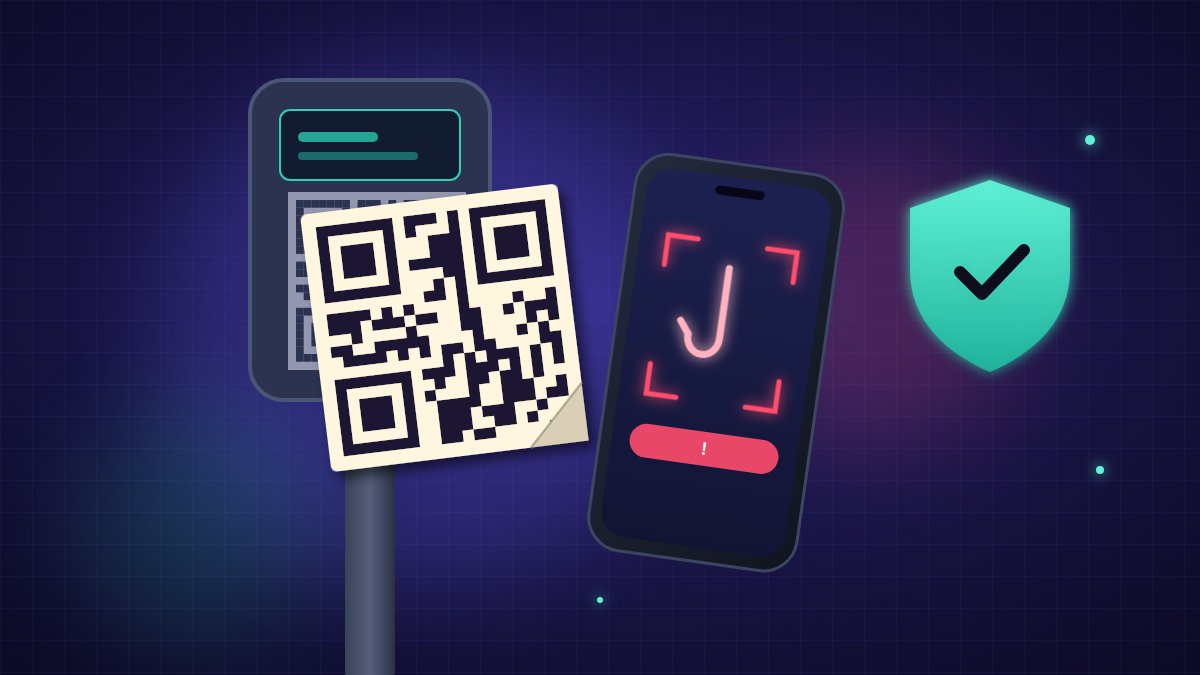
This is the most widespread scam. The fraudster sticks a fake QR code over the original one on the parking meter, or right next to it with a message like “pay with your smartphone”. The page that opens looks like a parking payment app and asks for your license plate, parking duration and card details. The payment goes to the scammer and, in many cases, your card is used for other purchases soon afterwards.
How to protect yourself:
- Run your finger over the QR code: if you feel the edge of a sticker, or it looks crooked or layered over another one, don’t use it.
- Pay with the official app you’ve already installed, or use coins or a card directly at the meter.
- Be wary of pages that ask you to download an app “to complete the payment” or that request unnecessary details, such as your card PIN.
Fake parking tickets with QR codes: the note under the wiper
Another variant is a fake violation notice left on your windshield. The sheet imitates an official ticket, offers a reduced fine “if you pay within 24 hours” and tells you to scan the QR code to settle up. Urgency and a discount are the bait.
Remember that a genuine ticket comes with specific references (a ticket or citation number, the issuing authority, the violation) and can be verified independently. Never pay using the code printed on the sheet: find the official website of the city, council or authority that supposedly issued it and check there whether the fine exists. If the notice turns out to be fake, keep it: it’s useful for your report.
Restaurants, bars and cafés: menus and table payments
Many venues use QR codes for the menu or to pay the bill at the table. Scammers can swap the card or cover the code with a sticker, sending you to a cloned payment page. In other cases the QR code leads to a fake “satisfaction survey” that promises a discount voucher in exchange for your personal data.
- A menu should never ask for card or login details: if it does, close the page.
- To pay, ask the staff for a card terminal or settle the bill at the counter.
- If something doesn’t feel right, tell the manager: they probably don’t know their QR code has been tampered with.
Parcels and couriers: missed-delivery notes and letters with QR codes
The classic “your parcel couldn’t be delivered” text message now arrives on paper too: a notice left in your mailbox or on your door, with a QR code to “reschedule delivery” or “pay customs fees”. Sometimes the code sits right inside an email as an image, to get around spam filters.
In all these cases the same rule applies as with Black Friday scam websites and texts: don’t follow the link or code you were sent. Open the courier’s official app or website yourself and type in the tracking number by hand. A courier will never ask for your full card details through a QR code to collect a small customs fee.
How to spot a QR code scam: 7 quick checks
- Look at the surface: stickers placed on top, raised edges, faded or crooked prints are warning signs.
- Read the address preview: almost every phone camera shows the address before opening it. Stop and read it carefully.
- Check the domain: swapped letters, extra words, hyphens, unusual endings or shortened links are suspicious.
- Distrust urgency: “pay within 24 hours”, “final notice” and “discount if you pay now” are classic scam phrases.
- No downloads: a QR code that asks you to install an app or a profile on your phone should be ignored.
- Requested data: PINs, codes received by text and banking passwords should never be entered on a page opened from a QR code.
- Use an alternative when you have one: the official app, a website typed in by hand, paying at the counter. A QR code is convenient, not mandatory.
If your phone starts behaving strangely after a scan (pop-ups, a battery that drains quickly, apps you don’t remember installing), read our guide on how to tell if your phone has been hacked or is being spied on.
What to do if you’ve already paid or entered your details
- Freeze your card immediately through your banking app or by calling your bank’s dedicated line, and ask to dispute the charge.
- Change your passwords if you entered any credentials, starting with your bank and email, and turn on two-step verification.
- Monitor your transactions over the following days: scammers often make a small test charge first.
- Take a photo of the QR code, the sticker or the sheet, and save the page address and any receipts: you’ll need them for your report.
- Report the scam: in the US, to the FTC at reportfraud.ftc.gov; in the UK, to Action Fraud (actionfraud.police.uk); and in both cases to your local police. Also let your local council or city authority, or the operator of the car park or venue, know so they can remove the fake code.
QR code scams: frequently asked questions
Can I get scammed just by scanning a QR code?
Usually not: scanning only opens a web page. The damage happens when you enter details, make a payment or install something. That’s why the right moment to stop is right after the scan, before you tap any button.
Are QR code reader apps safe?
Your phone’s built-in camera is generally the best choice, because it shows a preview of the address. Avoid little-known third-party apps that ask for lots of permissions.
Can a ticket with a QR code be genuine?
Some authorities do put QR codes on payment documents, but a genuine fine can always be verified independently on the issuing authority’s official website. If you have doubts, don’t pay through the code and check first.
The bottom line
A QR code isn’t dangerous in itself, but it hides the address it leads to. Before you scan, check whether it’s a sticker placed over another one; after scanning, read the address; and to pay, always prefer the official app or paying at the counter. If you’ve already entered your details, freeze your card, change your passwords and report it right away: acting quickly limits the damage.