
How to enable calls and video calls on WhatsApp Desktop?
How To
Smartphone
Did you know that you can make calls and video calls on WhatsApp with your computer? It’s possible thanks to…

Practical how-to guides for smartphones, PC, apps and online services: settings, tips and step-by-step fixes for common problems.
How to enable calls and video calls on WhatsApp Desktop?
How To
Smartphone
Did you know that you can make calls and video calls on WhatsApp with your computer? It’s possible thanks to…

How to disable rounding in Google Sheets
How To
We as a whole realize that adjusting numbers can assist us with settling mental conditions quicker. It is more straightforward…

How to sign PDFs in Adobe Acrobat Reader on iPhone
Apple
How To
Introduce Acrobat Adobe Reader DC on your PC and go to File > Open, then, at that point, open your…

How to install and use a VPN on an Amazon Firestick
Amazon
How To
The Amazon Fire TV Stick, Firestick, and Fire Cube are a straightforward and practical method for transforming any TV with…

How to fix Microsoft Word stuck on saving
Computing
How To
Microsoft Word has an autosave component to take a preview of your report regularly. At the point when this component…

How to change font style in Outlook Desktop and Mobile
Computing
How To
This article clarifies how for change Microsoft Outlook's default textual style for making and understanding messages. You can change the…

How to send multiple photos on WhatsApp for iPhone
How To
Contrasted with before renditions, the ongoing adaptation of WhatsApp gives the choice to send more Photos. You can track down…

How to send a text message from an Alexa
Amazon
How To
This article clears up how for send instant messages and settle on telephone decisions utilizing Alexa. At the point when…

How to save a GIF from Twitter
How To
Social
Twitter is one of my number one virtual entertainment stage to get a fast reports on what's going on in…

How to control volume on your Amazon Fire Stick
Amazon
How To
Attempting to oversee controllers in 2022 wants to attempt to deal with bills. Fortunately, on the off chance that you're…

How to Fix Outlook not responding when Trying to print
Computing
How To
Microsoft Outlook has been with us for a long time. Very much like Windows 10 and different Windows items, MS…

How to Quote on Telegram on Android
How To
Social
Telegram for Android is a quick and strong texting application which accompanies loads of helpful highlights, for example, scrambled messages,…

How to hide Desktop icons on Windows 11
How To
Windows
How to hide desktop icons on Windows 11 is a highly sought after topic in this last period. Often using…

How to pin a chat in WhatsApp
How To
Famous Messaging System WhatsApp continues to present new elements which makes it significantly more well known among its clients. One…

How to delete your mobile number from Telegram
How To
Social
Rather than utilizing a username and secret key, Telegram utilizes telephone numbers to distinguish each record. In that capacity, you…

How to make video calls with an Amazon Echo
Amazon
How To
The accompanying strategies apply to the Echo Show, Echo Show 5, Echo Show 8, and Echo Spot. You'll track down…

How to Boot Windows 11 from USB Drive
How To
Windows
Introducing Windows 11 from a USB drive is more straightforward than it sounds. Here is a finished bit by bit…

How to type with your voice by speaking in Google Docs
How To
In the event that composing is excruciating for you or you simply think better while talking, voice correspondence may be…

How to make WhatsApp voice and video calls on desktop
How To
WhatsApp is most popular as a text-informing application. It can likewise be utilized to settle on video decisions over the…
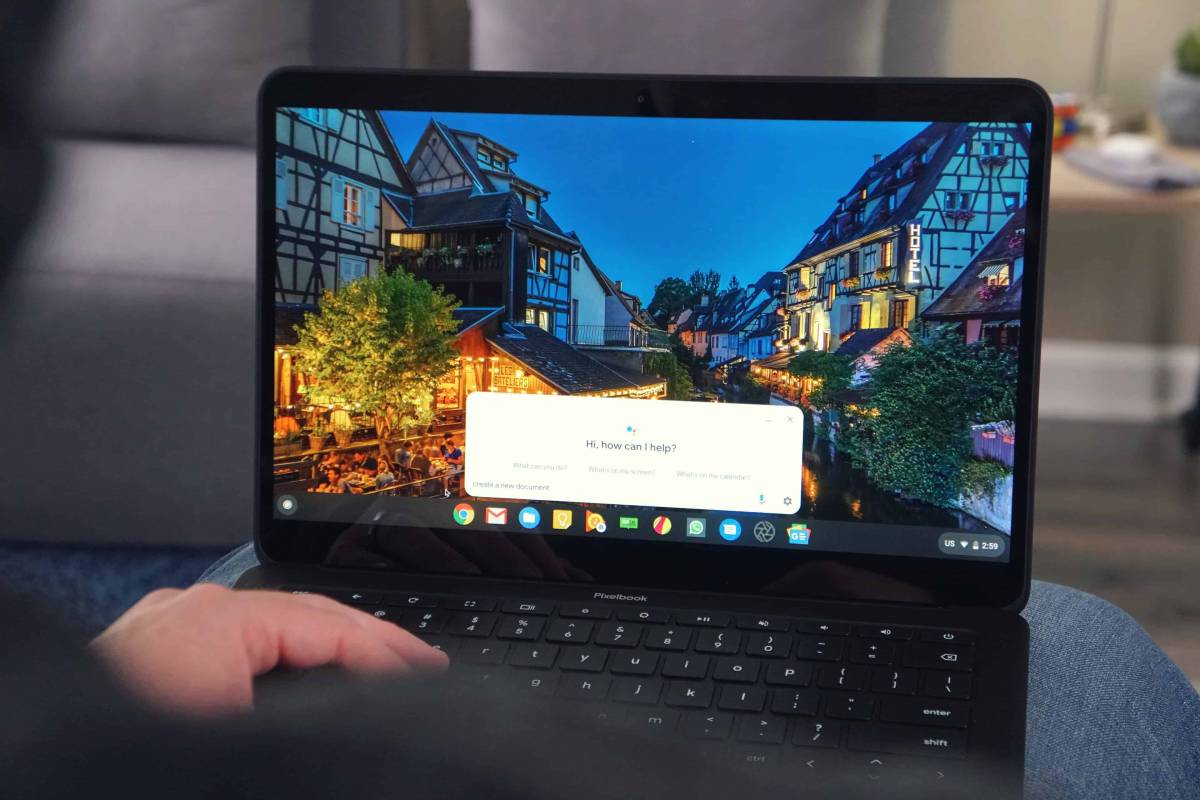
How to customize Chromebook desktop
Computing
How To
If you’ve just bought a Chromebook and you are going to customize your desktop with background images, themes and more...…