SIM Swap Scam: How Criminals Steal Your Number and How to Stop Them
November 16, 2026
Your phone suddenly shows no signal, right when a verification code should arrive. A few hours later, you discover someone has emptied your bank account. Behind it, there’s often a SIM swap scam: criminals take over your phone number without ever touching your phone. In this article, we explain how it works, how to spot it, and how to protect yourself.
What Is a SIM Swap Scam and Why Is It So Dangerous?
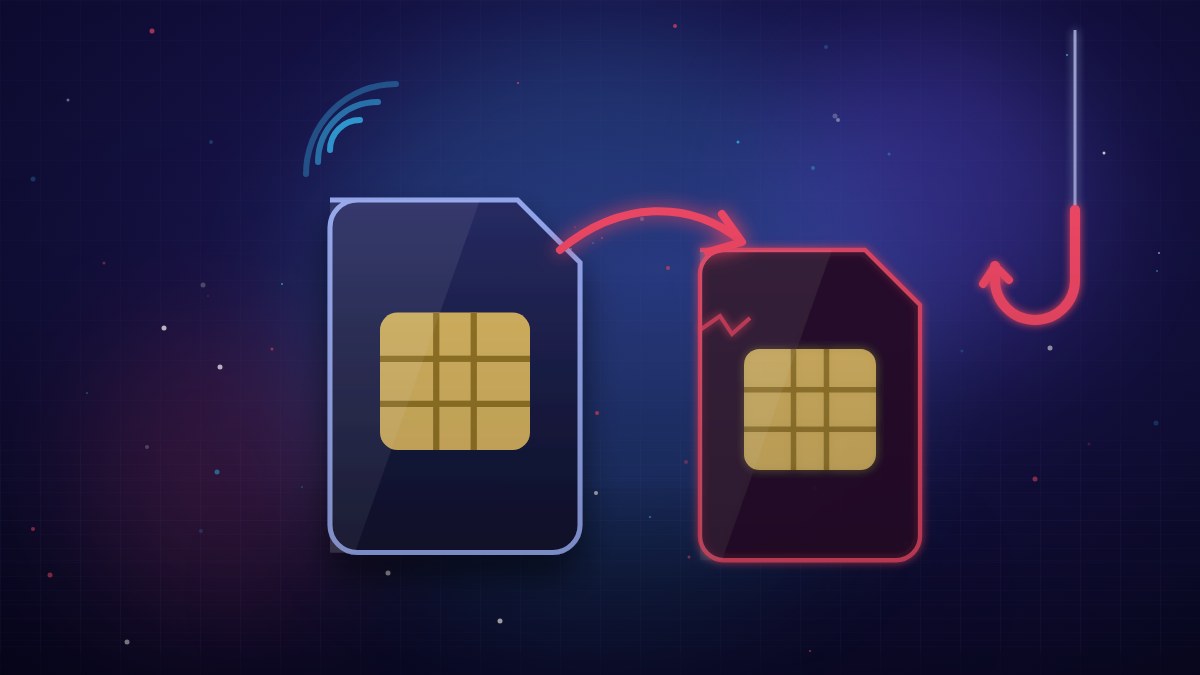
A SIM swap, sometimes called SIM hijacking, means a criminal gets your mobile carrier to move your number onto a SIM or eSIM that they control. From that moment, your phone loses service. Theirs receives your calls and texts.
Why does this matter? Because your phone number is the key to many services. Banks, email providers, social networks and messaging apps use it to send you one-time codes by text. Whoever has your number gets those codes instead of you.
With those codes, a scammer can:
- authorize transfers and payments;
- reset your email password;
- break into your social media accounts;
- register WhatsApp on their own device, pretending to be you.
The attack often lasts only a few hours. But a few hours is enough to do serious damage.
How Criminals Steal Your Phone Number: The Most Common Techniques
Scammers don’t need to “hack” anything. They usually exploit the weakest link: people and processes.
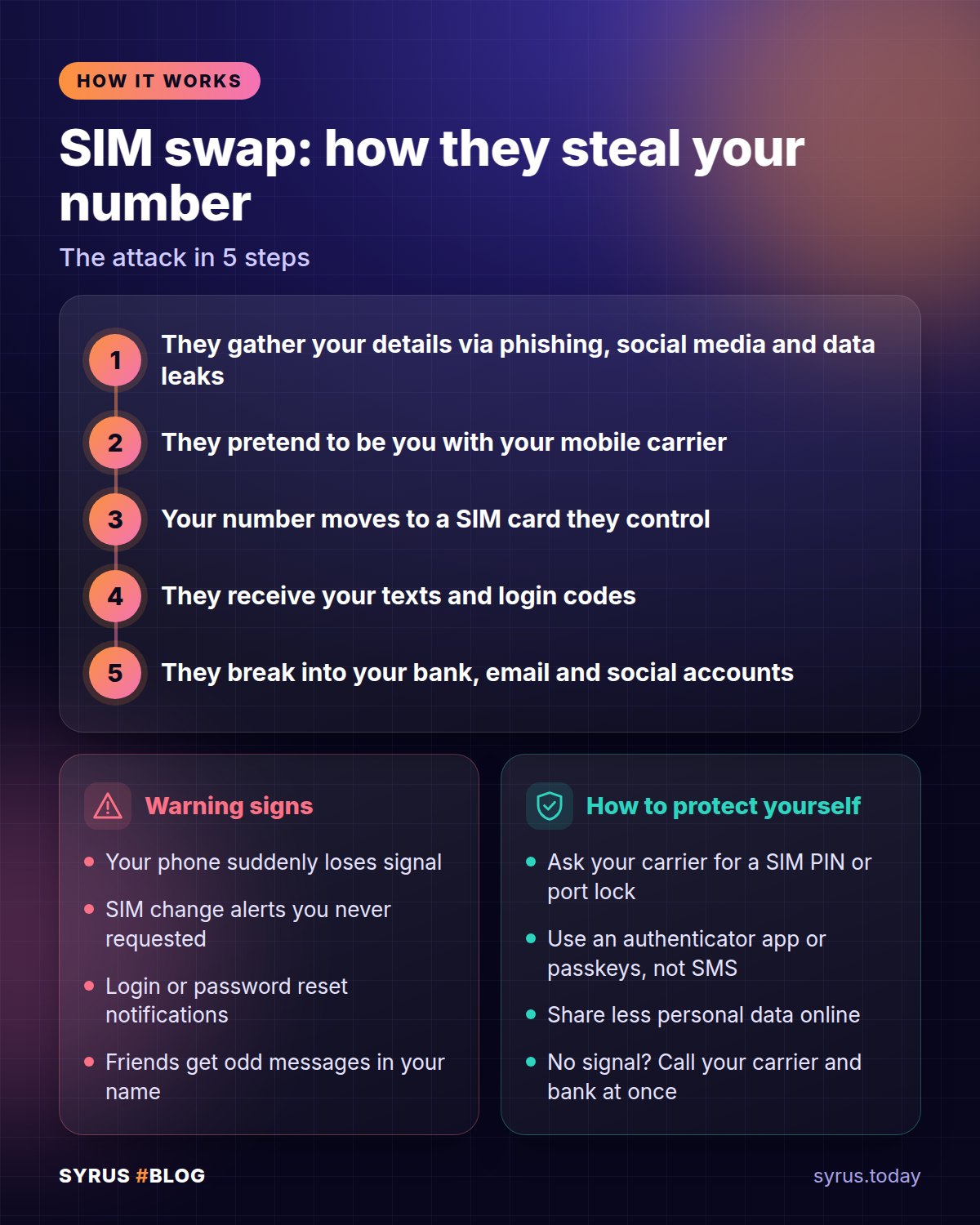
- Social engineering. They call or message your carrier pretending to be you. They say they lost their phone and ask for a replacement SIM.
- Fake ID. They walk into a store with a forged document that carries your details.
- Insider help. In rare cases, a dishonest employee carries out the swap for a payment.
- eSIM requests. Activating an eSIM can be faster because no physical SIM is needed, which makes it an attractive target.
- Number porting. The criminal asks to move your number to another carrier, filing the request in your name.
To pull this off, they need to know you well. That’s where the preparation phase comes in.
Phishing Sets Up the Attack: Your Data Is Their Weapon
Before a SIM swap, there is almost always a data-gathering stage: your name, date of birth, address, ID number and more. The more details they have, the more convincing they sound to your carrier.
They collect this information in several ways:
- phishing emails and texts that imitate banks, delivery companies or government agencies;
- fake websites where you enter your details;
- calls from fake customer service agents;
- social media profiles full of public personal information;
- photos of documents shared too carelessly.
Today, artificial intelligence makes all of this more convincing: error-free messages, cloned voices, believable fake agents. To see just how sophisticated these tricks have become, read our guide to AI scams.
The rule is simple: no legitimate company will ask for codes, PINs or passwords over the phone or by message. If that happens, hang up.
Warning Signs: How to Tell Your Number Has Been Hijacked
Spotting the attack early buys you precious time. Here are the red flags.
- Your phone suddenly loses signal and doesn’t recover, even somewhere it normally works well.
- You see an “Invalid SIM” or “No service” message.
- You no longer receive calls or texts, while Wi-Fi still works.
- You get a notification from your carrier about a SIM change, new eSIM or number port that you didn’t request.
- You receive password reset emails or login codes you didn’t ask for.
- Your bank flags suspicious logins or transactions.
- WhatsApp logs you out by itself and asks you to verify again.
Keep in mind that a single sign can have an innocent cause, such as a network outage. But if two or three add up, don’t wait. If you suspect the problem lies with the device itself, our guide to checking whether your phone is being spied on can help.
How to Protect Your SIM: Steps to Take With Your Carrier
The first line of defense is your phone line itself. Here are some concrete steps you can take today.
- Set a PIN or passcode on your account. Many carriers let you add a secret word that must be given for any important request. Ask how to turn it on.
- Turn on notifications. Have your carrier alert you by email or app for every SIM change, eSIM activation or number port.
- Check your contact details. The email address and backup number on file must be yours and up to date.
- Secure your online account. Use a long, unique password for your carrier’s app or website.
- Change your SIM PIN. The default one is widely known. Choose your own.
If you get a porting or eSIM request you didn’t make, stop it immediately by contacting your carrier. Every minute counts.
Fewer Texts, More Security: Authenticator Apps and Passkeys
The real weak spot is relying on text messages. If your number falls into the wrong hands, your codes go straight to them. The fix is to take your phone number out of the equation.
You have two better options:
- Authenticator apps. They generate temporary codes right on your device. The codes never travel over the phone network, so a SIM swap can’t intercept them.
- Passkeys. They replace your password with a system based on your device and your face, fingerprint or PIN. They resist phishing. You can learn how to set them up in this guide to passkeys.
Start with your most important accounts: email, banking, social media and WhatsApp. Email is the most critical, because it is used to recover all your other accounts.
On WhatsApp, also turn on two-step verification in your account settings. It will ask for a personal PIN whenever someone tries to register your number on another phone. On Instagram and Facebook, open the security settings and choose an authenticator app instead of text messages.
Also set up bank alerts for logins, transfers and payments. That way, if something goes wrong, you know within seconds.
What to Do Right Away If You’re a Victim of a SIM Swap
If you suspect you’ve been targeted, act quickly and in order. Here is the sequence.
- Call your carrier from another phone. Use a relative’s phone or a landline. Explain that someone has taken your number and ask them to block the SIM or eSIM and restore your line.
- Call your bank. Freeze your cards, accounts and online access. Ask them to stop any pending transactions and flag the suspicious ones.
- Change your email password. Do it from a secure device. Then switch on authentication that doesn’t rely on text messages.
- Change the passwords on your other accounts: social media, messaging, cloud storage, online shops. Sign out of all active sessions.
- Warn friends and family. If the scammer got into WhatsApp, they may message your contacts asking for money in your name.
- Gather evidence. Save screenshots, emails, notifications and timestamps. You’ll need them later.
- Report it. In the US, file a report with the FTC at reportfraud.ftc.gov. In the UK, report it to Action Fraud (actionfraud.police.uk). In both cases, also contact your local police, and bring all your documentation with you.
Finally, ask your bank how disputing unauthorized transactions works. The sooner you start, the better.
Frequently Asked Questions
Can a SIM swap happen with an eSIM too?
Yes. The mechanism is the same: your number is moved to a profile controlled by the scammer. Protect your account with a PIN or passcode and turn on notifications for every change.
Am I safe if I use an authenticator app?
You’re much better protected, but not invincible. Check that your accounts don’t still use text messages as a recovery method. Stay alert to phishing and never share your codes with anyone.
Can I get the stolen money back?
It depends on the case and on how fast you act. Tell your bank right away, keep your evidence and file a report. Every hour you save works in your favor.
In Short
A SIM swap scam exploits the value your phone number holds for banks and online accounts. Protect your line with a PIN, keep your personal data private and stop relying on text messages as your only security. If you lose signal for no reason, don’t wait: call your carrier from another phone and alert your bank. A few minutes can save your savings.