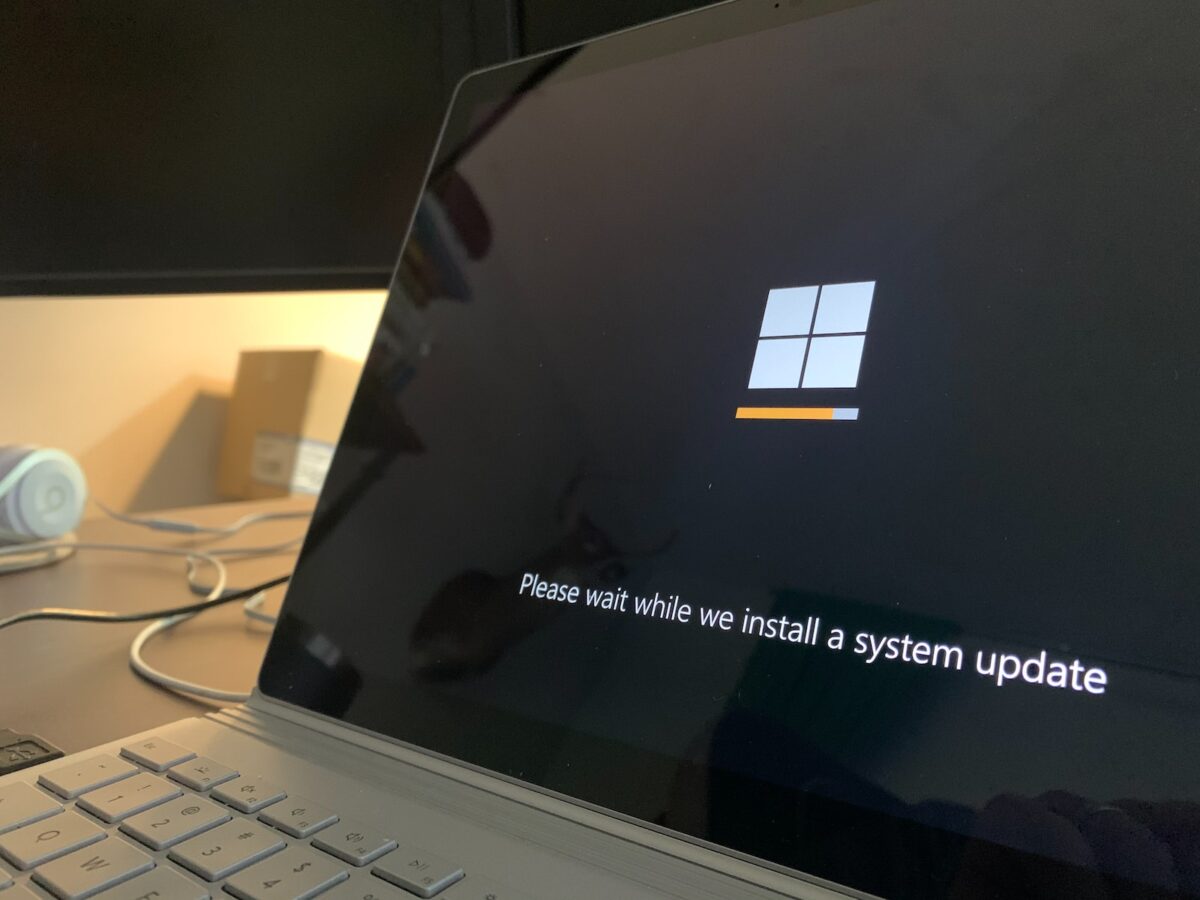
How to do a clean installation of Windows 10
How To
Windows
A perfect establishment of Windows 10 is the most common way of eradicating all that to begin with a new…

How to do a clean installation of Windows 10
How To
Windows
A perfect establishment of Windows 10 is the most common way of eradicating all that to begin with a new…

Photoshop: How to remove background
Computing
How To
Knowing the best strategy to use for the sort of picture you're working with is critical to come by the…

Drop-Down List in Microsoft Word: how to add It
Computing
How To
A drop-down list is the handiest method for allowing individuals to browse explicit things for a field in a Microsoft…

how to accept Crypto payments
Blockchain
How To
Conventional financial frameworks and fiat have been losing ground to elective installment frameworks in the fight for worldwide monetary predominance…

how to track your sleeping in the correct way
How To
Internet of Things
A large number of us who wear wellness trackers to screen our means, pulse, or other wellbeing measurements are likewise…

Microsoft Word: how to fix default settings
Computing
How To
You are dealing with a Microsoft Word report This could it happened at least a few times: afterward you notice…

How to watch Netflix together
How To
Streaming
How would you have a watch-party while keeping social separation? The ascent of lethal infections has carried us to this…

How to Fix Java Error
Computing
How To
Java is a programming language that doesn't have numerous execution conditions, settling on it an exceptionally well-known decision for designers.…

No DisplayPort Signa: how to fix it
Computing
How To
DisplayPort is a typical connector design in your PC that conveys a superior exhibition show highlight. It seems to be…

How to Mirror Your iPhone Screen on Your Windows PC
Apple
How To
In the event that you're an iPhone and Windows client, you might be considering how to reflect an iPhone's screen…

Search a Gmail by date: how to find it
How To
Gmail is intended to make computerized correspondence consistent with highlights like internet visiting, video calls, and Google Drive mix. In…

Battery heals on Android: how to check it
Smartphone
Knowing how to check Android battery wellbeing could demonstrate significant in keeping a very much cherished Android gadget good to…

Add a BCC in Outlook Emails
Computing
How To
Each given second, a huge number of messages are sent and conveyed across the world. In electronic correspondence, it is…

how to Set My Thermostat In the Winter
How To
Internet of Things
We are in general presumably somewhat at fault for meddling with our indoor regulators a lot throughout the colder time…

Recycle Bin on Your Chromebook: how to do
How To
We as a whole know about the "Reuse Container", which is a significant element in our pc. In view of…

dark mode in YouTube: how to do
How To
Social
Dim Mode is extremely popular so normally, clients need to know how to utilize YouTube Dim Mode. The element permits…

Capture a Scrolling Screenshot in Windows
How To
Windows
Windows offers numerous ways of catching an essential or looking over screen capture, like squeezing Win +PrtScn or Fn +PrtScn…

Screenshot on an iPhone 13
Smartphone
The least demanding method for taking a screen capture on an iPhone 13 is by utilizing two buttons on one…

Windows PC as a VPN Router: how to do
How To
Windows
At any point been in a room at your home where the Wi-Fi is basically not ready to arrive at…

How to Slow Battery Self-Discharge
How To
Smartphone
Far off remote gadgets utilized in modern mechanization and the Modern Web of Things (IIoT) progressively require the utilization of…