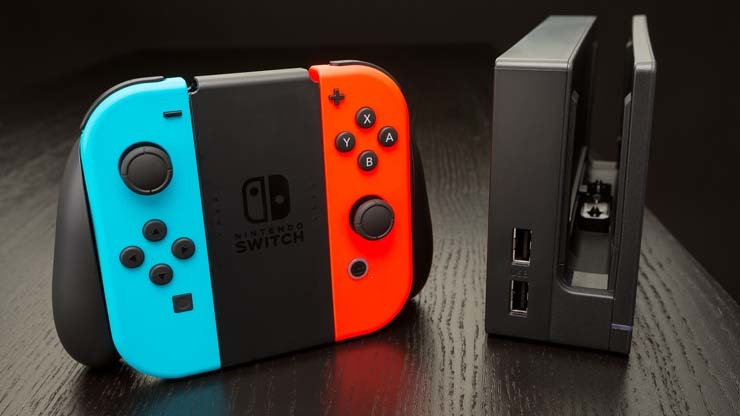
How to connect Bluetooth headphones to the Nintendo Switch
How To
Video Games
You recently bought the Nintendo Switch, but you want to improve the sound when you play in public places or…

How to connect Bluetooth headphones to the Nintendo Switch
How To
Video Games
You recently bought the Nintendo Switch, but you want to improve the sound when you play in public places or…

Gmail: how to create a folder
How To
Smartphone
Today’s guide will cover the Gmail topic. In particular, I will explain you how to create a folder on Gmail…

How to download earlier versions of Microsoft Office
Computing
How To
If you don’t know how to download earlier versions of Microsoft Office, this guide will help you. Basically, Microsoft Office…
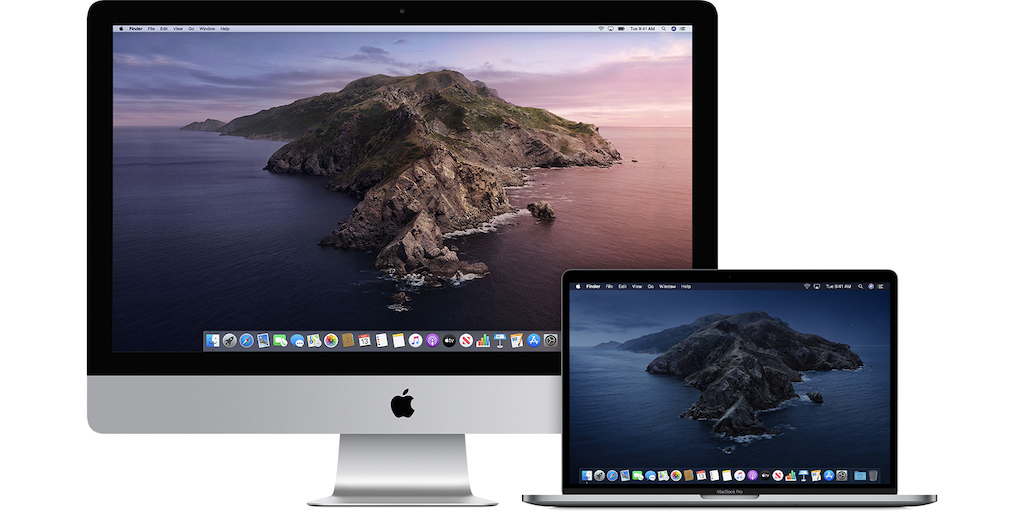
How to connect a second display to a Mac
Apple
How To
Did you know that you can connect a second display to a Mac? It’s a fantastic and really useful feature…

How to put the dark theme on Google?
How To
Smartphone
Recently many services have proposed the dark mode, or the dark theme, of the screen. The dark mode allows the…
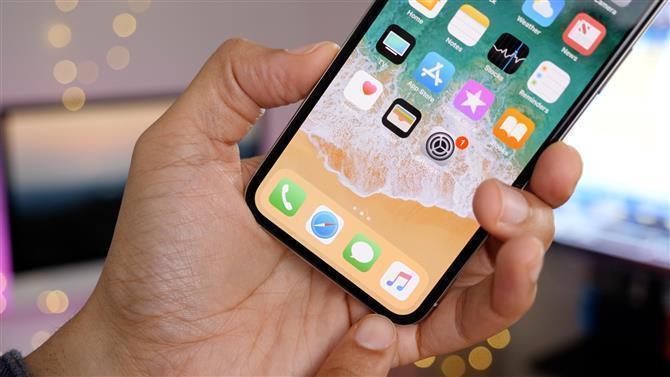
How to browse incognito with Safari on iPhone
Apple
How To
Smartphone
If you want to take care of your privacy and you don't want your site history, cookies, and cache to…

How to speed up your PC with a USB pen drive
Computing
How To
If you need to speed up your computer, which has the first signs of slowing down and inefficiency, the USB…

How to enable calls and video calls on WhatsApp Desktop?
How To
Smartphone
Did you know that you can make calls and video calls on WhatsApp with your computer? It’s possible thanks to…

How to hide Desktop icons on Windows 11
How To
Windows
How to hide desktop icons on Windows 11 is a highly sought after topic in this last period. Often using…
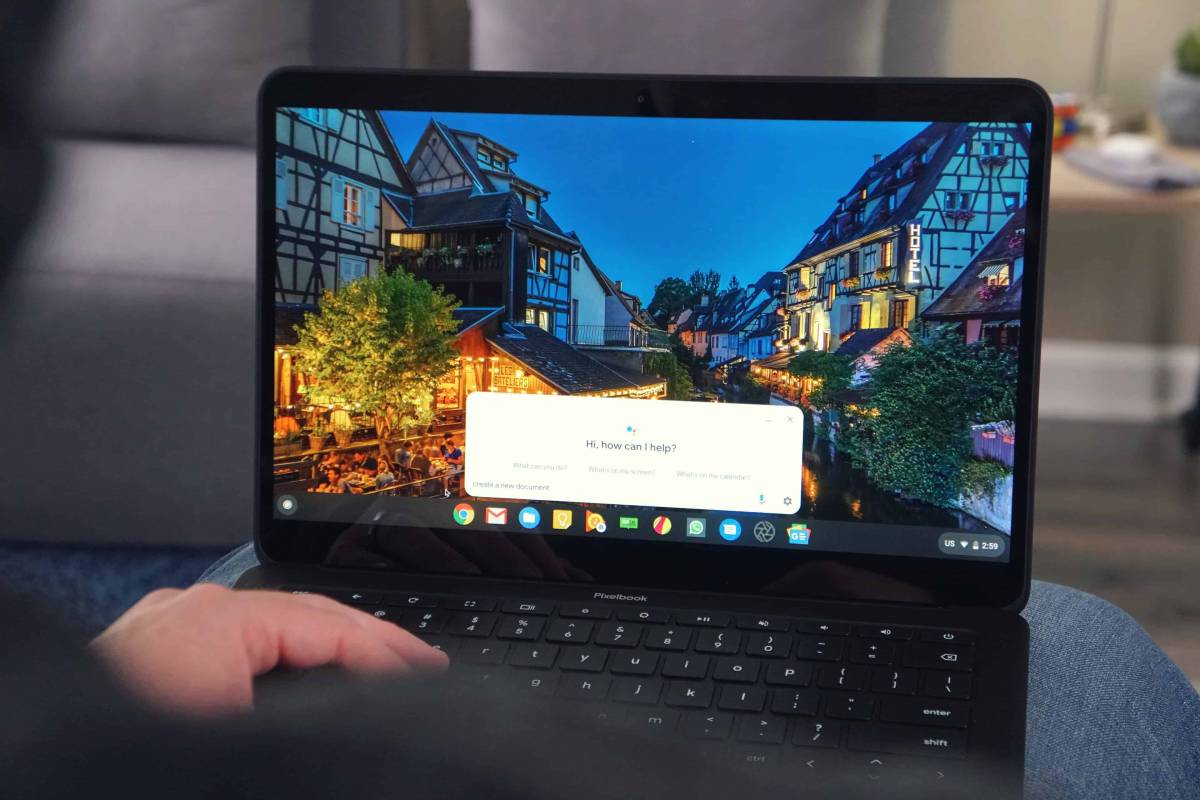
How to customize Chromebook desktop
Computing
How To
If you’ve just bought a Chromebook and you are going to customize your desktop with background images, themes and more...…

How to install a previous version of an Android app
How To
Smartphone
Did you know that on Android devices you can go back to the previous version of an app? The steps…

How to watch Netflix on Chromebook?
How To
Streaming
Netflix is a subscription streaming service that allows you to watch a lot of TV series and movies without ads.…
Windows 11: How to boot PC in Safe Mode
How To
Windows
Safe Mode is a very useful tool in Windows because it allows advanced troubleshooting. Booting into safe mode is not difficult;…
The 3 Best Apps to Write on Chromebook
Internet News
Chromebook devices are designed for primarily educational purposes. For this reason they are full of writing apps that are amazing.…

How to see Instagram notifications on iPhone
How To
Smartphone
Social
For many people Instagram has become part of everyday life. It’s now a very popular social, which allows users to…

How to create a desktop shortcut to a web page on Windows 10
How To
Windows
If your goal today is to find out how to create a desktop shortcut to a web page with Windows…

Manage Optimised Battery Charging to not ruin the iPhone battery
Apple
How To
Smartphone
If you’re using an iPhone that is updated to iOS 13 and later versions, you can enable or disable a…

iPhone: how to open Wallet with the side button
Apple
How To
Smartphone
iPhone's Wallet app allows you to keep and have at hand Apple Cards and prepaid cards, tickets for trains, airplanes…

How to use the phone instead of the remote control
How To
Smartphone
If you are tired of losing the remote control between the sofa cushions and in the corners of the house,…

How to connect wireless mouse to Chromebook easily
Computing
How To
If you’re curious about how to connect a wireless mouse to a Chromebook computer, today’s guide will show you the…