Use Google Calendar to plan your day!
How To
Smartphone
You probably already know how to use Google Calendar for schedule meetings. But did you know that you can use…

Practical how-to guides for smartphones, PC, apps and online services: settings, tips and step-by-step fixes for common problems.
Use Google Calendar to plan your day!
How To
Smartphone
You probably already know how to use Google Calendar for schedule meetings. But did you know that you can use…

Find Out How to Create a Photography Style Guide for Your Business
How To
Startups & Business
How the images you include on your website are very important for your e-commerce operation to look trustworthy and increase…

Top Strategies to Make Money Online with TikTok in 2023
How To
Social
Streaming
Make Money on TikTok in 2023: Overview and Tips TikTok is an social media app that is literally shaking up…

“Discover How to Create YOUR Video Conferencing System Like Google Meet or Microsoft Teams in Just a Few Steps!”
Computing
How To
Build Your Own Video Conferencing System Like Google Meet or Microsoft Teams in Few Steps! In recent years, video conferencing…

Procrastinator by vocation? We teach you how to kick the habit!
How To
Internet News
Okay, a new year also means a new beginning, doesn't it? Well, then stop saying “I’ll do it, tomorrow” and…

Find Out 10 Principles for Fair Choice Screens
How To
It is often quite difficult to change the gatekeeper's default values when you have to choose the search engine and…
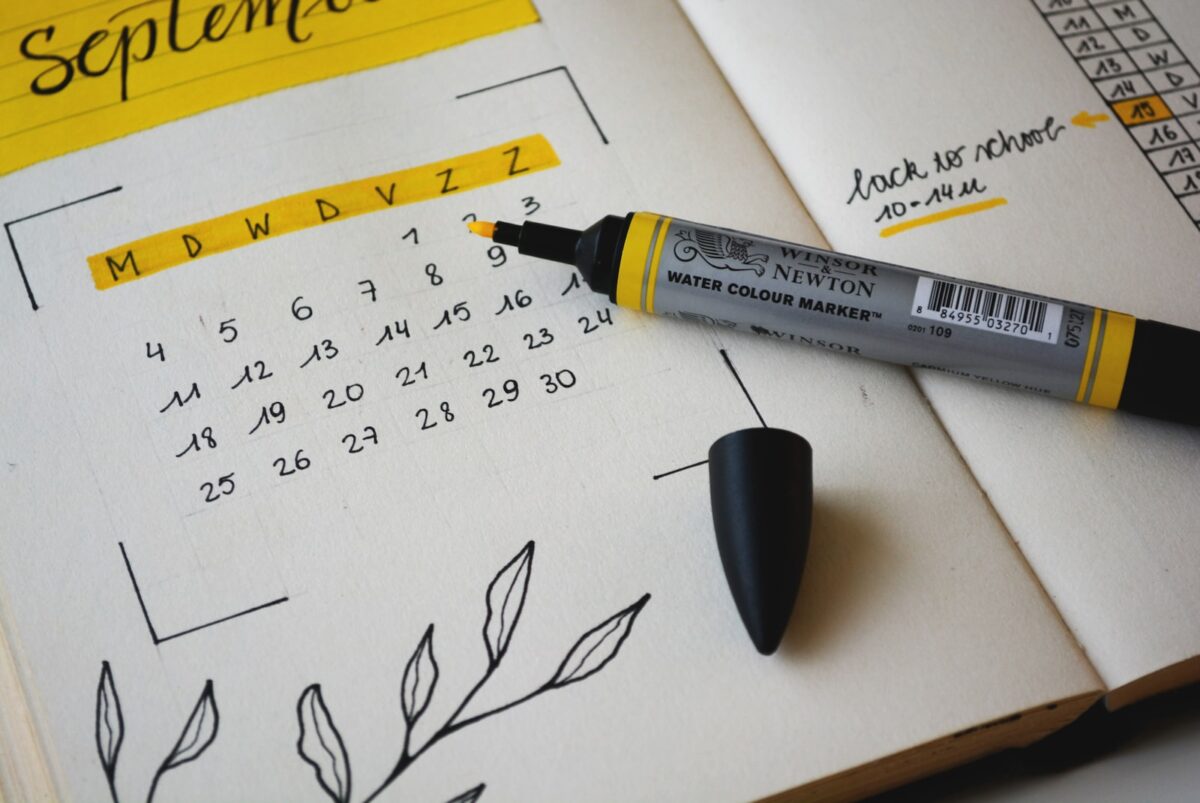
Find Out How to Create a Social Media Calendar
How To
Social
Having the content that is going to be uploaded to the social networks of your business is very important, because…

Excel: Unknown Functions Useful
Computing
How To
Internet of Things
Windows
As we already know, and we have explained previously in some article of our Excel saga, this program is of…

Find Out The Best Stereo Receivers of 2023
Computing
How To
Power is one of the main features to consider when shopping for a stereo receiver. In addition, it is important…

How To Update Your Steam Deck
How To
Video Games
This is a different console than the others, for example, one of the features that makes this console unique is…

How to Remove Someone from your Hulu Account
How To
Streaming
With the arrival of streaming platforms, watching your favorite movies and shows became easier and those days when you had…
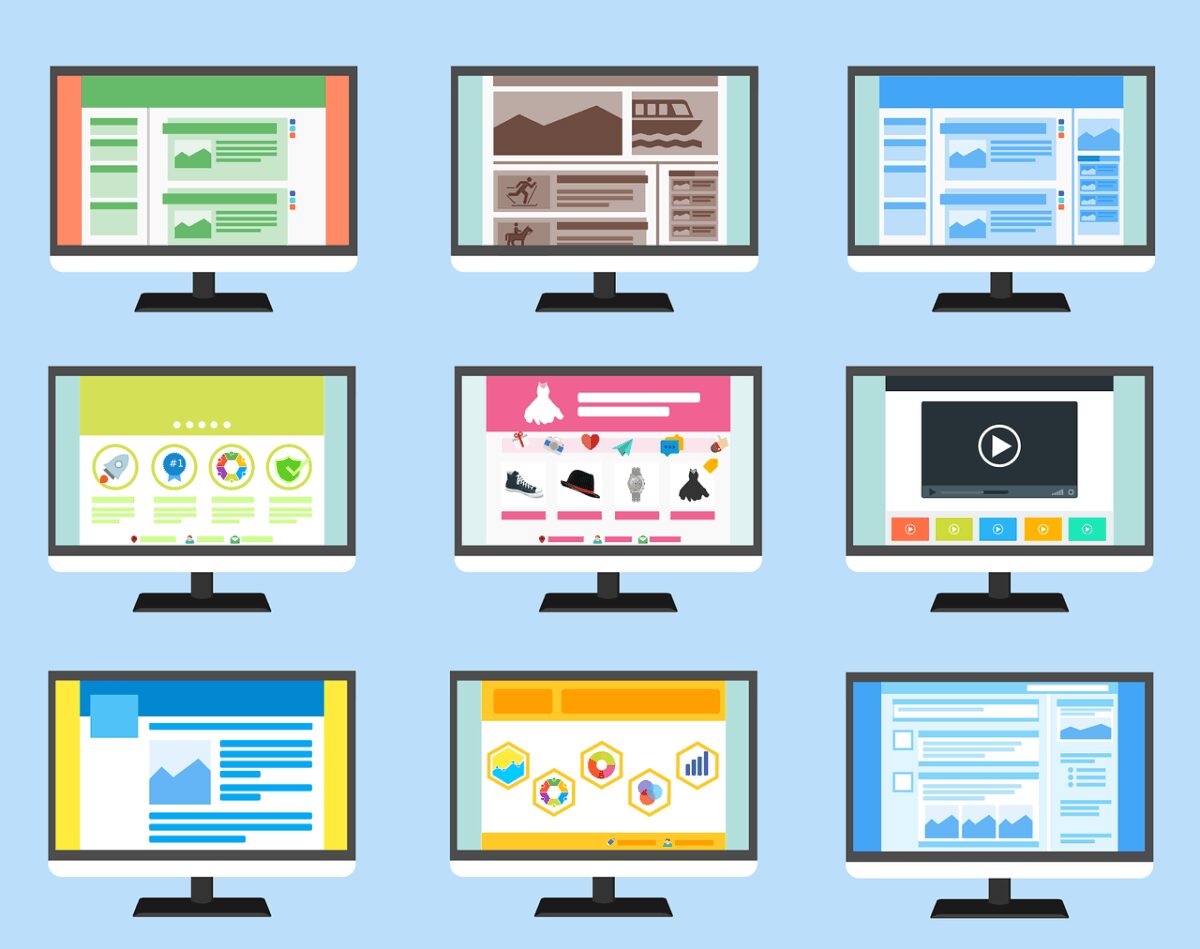
Tips for Picking the Best Website Template
How To
How to choose the best template for a website? Many times when using a template we do not know exactly…
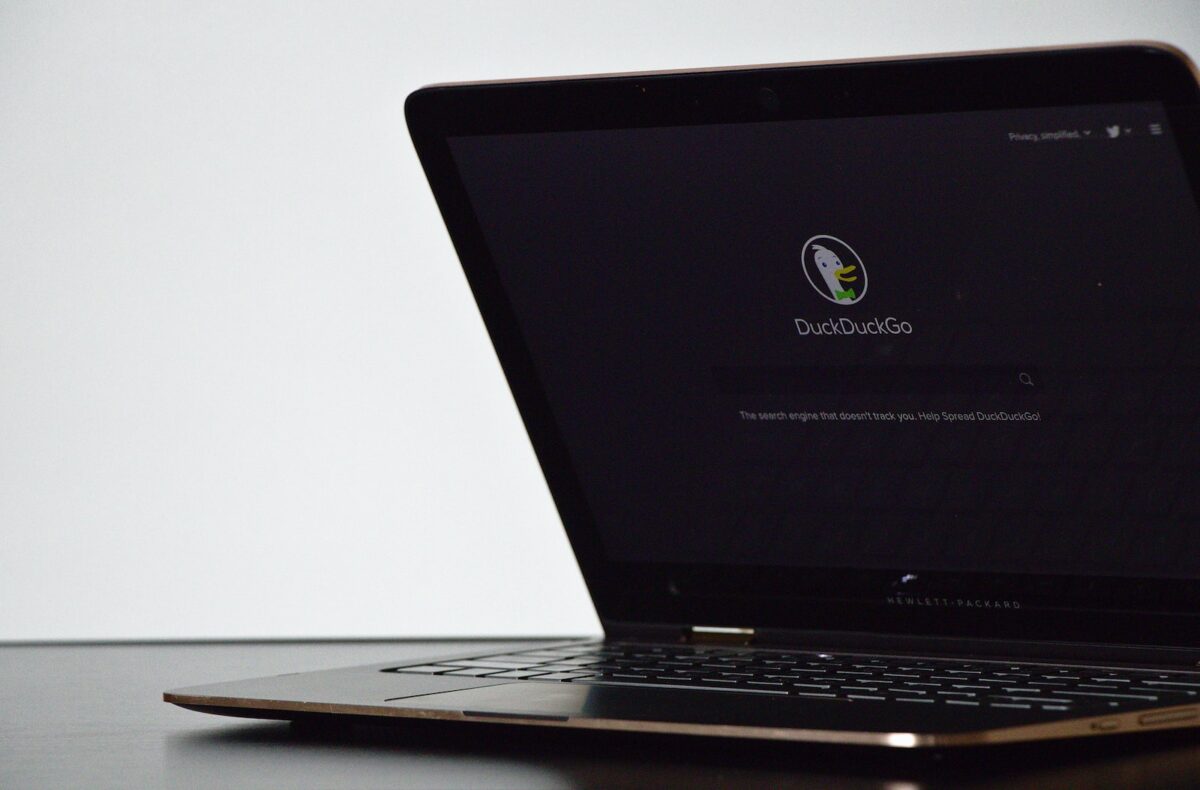
Find Out DuckDuckGo Features You Should Use
How To
In case you didn't already know DuckDuckGo, this is a tool known mainly for its focus on privacy, and it…

Installing MIUI 14 on Xiaomi, Redmi & POCO devices
How To
Smartphone
A couple days ago, Xiaomi finally released its MIUI 14 based Android 13. However, the company has said this update…

Learn how to remove add-ins in Excel
Computing
How To
Add-ins is a tool that provides you with commands and more features for Microsoft Excel and while by default, they…

How to remove auto-capitalization on Android in a few moves
How To
Smartphone
If you want to find out how to remove auto-capitalization from your Android, you've come to the right place. You…

Windows: How to Restart the File Explorer?
How To
Internet of Things
Windows
Sometimes the software can have issues, for example when the PC is working slowly, it takes time to be on,…

3 Ways to disable Edge’s sidebar
Computing
How To
Here are 3 ways to disable Edge's sidebar. Microsoft Edge has over the years become one of the most widely…

Turn off your Google Assistant
How To
Google Assistant is Google's voice assistant available on smartphones with an Android operating system. It is activated by "Hey Google"…

Be Financially Independen in 2023
How To
Internet News
Internet of Things
Startups & Business
If you are here, I assume that you are looking for better opportunities. You are tired to work to other…